How to Use Weddme Search Filters Without Missing Suitable Rishta Profiles
A practical guide for using Weddme filters by city, age, education, profession, caste, sect, marital status, and community without becoming too narrow.
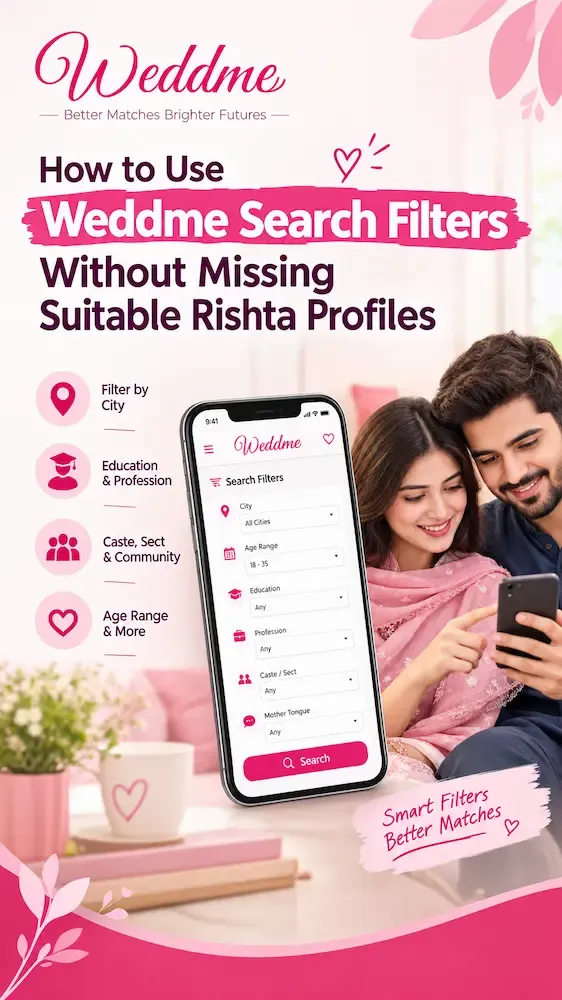
Filters are helpful only when they reflect real family priorities, and understanding Weddme's purpose for families can guide those priorities.
If every filter is strict from the beginning, a family may miss suitable profiles. If no filters are used, the search becomes tiring.
The problem this guide solves
This guide explains how to start broad, narrow carefully, and keep the shortlist practical.
The strongest search results usually come from combining filters instead of relying on one field. Current Weddme data shows common education groups such as bachelors, masters, higher_secondary, diploma, and secondary and profession groups such as business_owner, other, software_engineer, sales_marketing, and government_employee, so families should compare combinations before rejecting profiles too quickly.
Step 1: Start with non-negotiable filters only
The first search should use the filters your family truly cannot compromise on, such as city range, gender, marital status, age stage, or religious expectation. For a closer next step, review rishta search hub.
If the first search is too strict, suitable profiles may disappear before anyone has read them.
Weddme has many searchable fields, but using all of them at once can make the search smaller than necessary, so it helps to understand how Weddme works from signup to shortlisting.
Write down which filters are essential and which can be reviewed after reading profiles, and use a step-by-step guide to create a complete Weddme profile.
Editorial note from Weddme
The strongest search results usually come from combining filters instead of relying on one field. Current Weddme data shows common education groups such as bachelors, masters, higher_secondary, diploma, and secondary and profession groups such as business_owner, other, software_engineer, sales_marketing, and government_employee, so families should compare combinations before rejecting profiles too quickly.
Checklist for your family
Checklist point: Use city as a practical filter, not only an emotional one
City affects meetings, travel, relatives, relocation, and daily life after marriage.For a closer next step, review city-wise rishta profiles.
Families may start with their own city, then compare nearby cities if the profile pool is small or expectations are flexible.
A city-wise search is strongest when it reflects real access, not only a preference written on paper.
Discuss which nearby cities are realistically acceptable before excluding them.
Checklist point: Compare education and profession together
Education and profession often work together, but they are not identical. A degree may show academic background, while profession shows current routine and responsibility. For related context, compare education-wise profiles and profession-wise profiles.
Review both fields before assuming compatibility from one label, and consult the guide for male profiles when reviewing a groom's details.
In Weddme data, common education and profession categories vary widely, so a careful review can reveal options that a single filter would miss.
If education is important, also ask whether the current profession and future plans fit the family discussion, and use the guide for female profiles when reviewing a bride's details.
Checklist point: Use caste, tribe, sect, and community with respect
Some families use background filters early, while others prefer to review them later after education, profession, values, and city. For related context, compare caste or tribe profiles and sect-wise profiles.
The right order depends on family expectations, but these filters should not become a reason to speak disrespectfully about any person, a point also explored in the parents and guardians shortlisting guide.
Background details can support understanding, yet a profile still represents a person and a family, not a category only.
A practical question: Decide whether these filters are essential, flexible, or conversation points.
Checklist point: Re-open the search when results feel too narrow
If the shortlist has no serious options, the answer is not always to wait. It may be better to loosen one filter and compare again.
Families can widen age range, nearby cities, profession categories, or education preferences one at a time.
Changing one filter at a time helps the family understand what actually reduced the result set.
Keep notes on why a filter was changed so the wider search still remains purposeful.
Useful next reading
- How Parents and Guardians Should Shortlist Rishta Profiles on Weddme
- How to Compare Education, Profession, and Family Background on Weddme
- City-Wise Rishta Search on Weddme: When to Start Local and When to Expand
Keep privacy, contact timing, and verification in the discussion even when the profile looks suitable.
Practical takeaway
Families trying to search with discipline instead of random browsing should leave this guide with a clearer review method: complete the profile, protect privacy, read the full context, contact only when there is a real reason, and verify important details before meetings.
Compare rishta profiles by city with family-safe context
Browse Weddme profiles, create your own family-led profile, and keep practical safety steps close before serious contact.
Compare profiles when your family is ready.
Use Weddme search filters to review profiles with clearer context before starting a serious conversation.